
If you’re an Apple fan in the Philippines, you’ve probably noticed one thing: pricing can vary a lot by region. Sometimes, buying from the US Apple Store or the Hong Kong Apple Store can be significantly more cost-effective—especially for premium models and higher storage tiers.
In this guide, we’ll compare Apple pricing across United States (USD), Hong Kong (HKD), and Philippines (PHP) for 5 popular products—then show you how to order overseas and ship to the Philippines with Buy&Ship Proxy Shopping.
Good news for peace of mind: Most Apple products come with warranty coverage that can be serviced internationally, so you can shop overseas more confidently. For cellular/SIM-enabled models, network compatibility and service options may vary by region—so it’s smart to double-check the exact model you’re buying before you place the order.
Table of Contents
→ I. Why Buy Apple Overseas?
→ II. 5 Apple Products: US vs HK vs PH Price Comparison
→ III. Overseas Apple Shopping FAQs (Warranty, Compatibility, Tips)
→ IV. How to Buy Overseas & Ship to the Philippines with Buy&Ship
I. Why Buy Apple Overseas?
There are 3 common reasons Filipino shoppers choose to buy Apple products overseas:
- Better pricing in certain regions: US and Hong Kong pricing can be more competitive for the same model/storage.
- More configurations available: Popular colors, higher storage, or specific case sizes can sell out locally.
- Convenience with Buy&Ship: If a store doesn’t ship to the Philippines or your payment fails, Buy&Ship can purchase for you and ship home.
Next, let’s get into the most important part: price comparisons. We’ll use official Apple pricing where available. For categories that don’t clearly show a single “starting price” on the official page in a region, we’ll note it transparently.
II. 5 Apple Products: US vs HK vs PH Price Comparison
Important note: Prices and stock can change anytime. The numbers below are meant to show how big the gap can be across regions. Always confirm the final price on the official checkout page before placing an order.
✅ Tip for faster decision-making: pick your target model/storage first, then decide whether to buy from the US or Hong Kong based on total cost (item + any local taxes/fees + shipping). Product images are copyrighted by Apple.
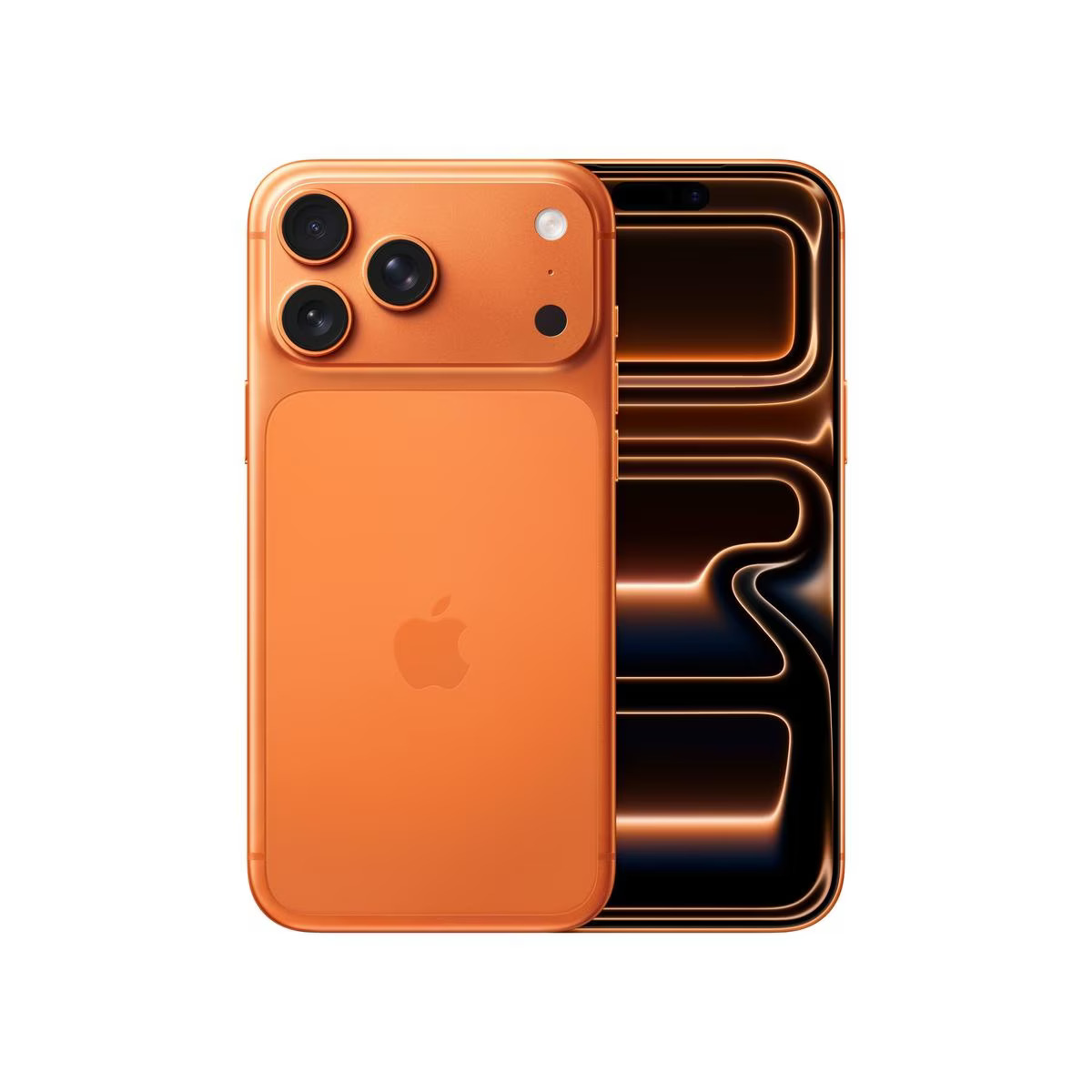
1) iPhone 17 Pro Max
The top-tier iPhone for users who want the biggest display and maximum battery life. If you’re upgrading from an older Pro model, the overseas price difference is often one of the fastest ways to save.
| Region | Starting price (official) |
|---|---|
| United States | From ₱70,858 (USD 1,199) |
| Hong Kong | From ₱77,149 (HKD 10,199) |
| Philippines | From ₱84,990 |
Why overseas? If you can secure US pricing (or HK pricing depending on the storage you want), you may be able to free up budget for AppleCare+ or accessories—while still getting a premium model.
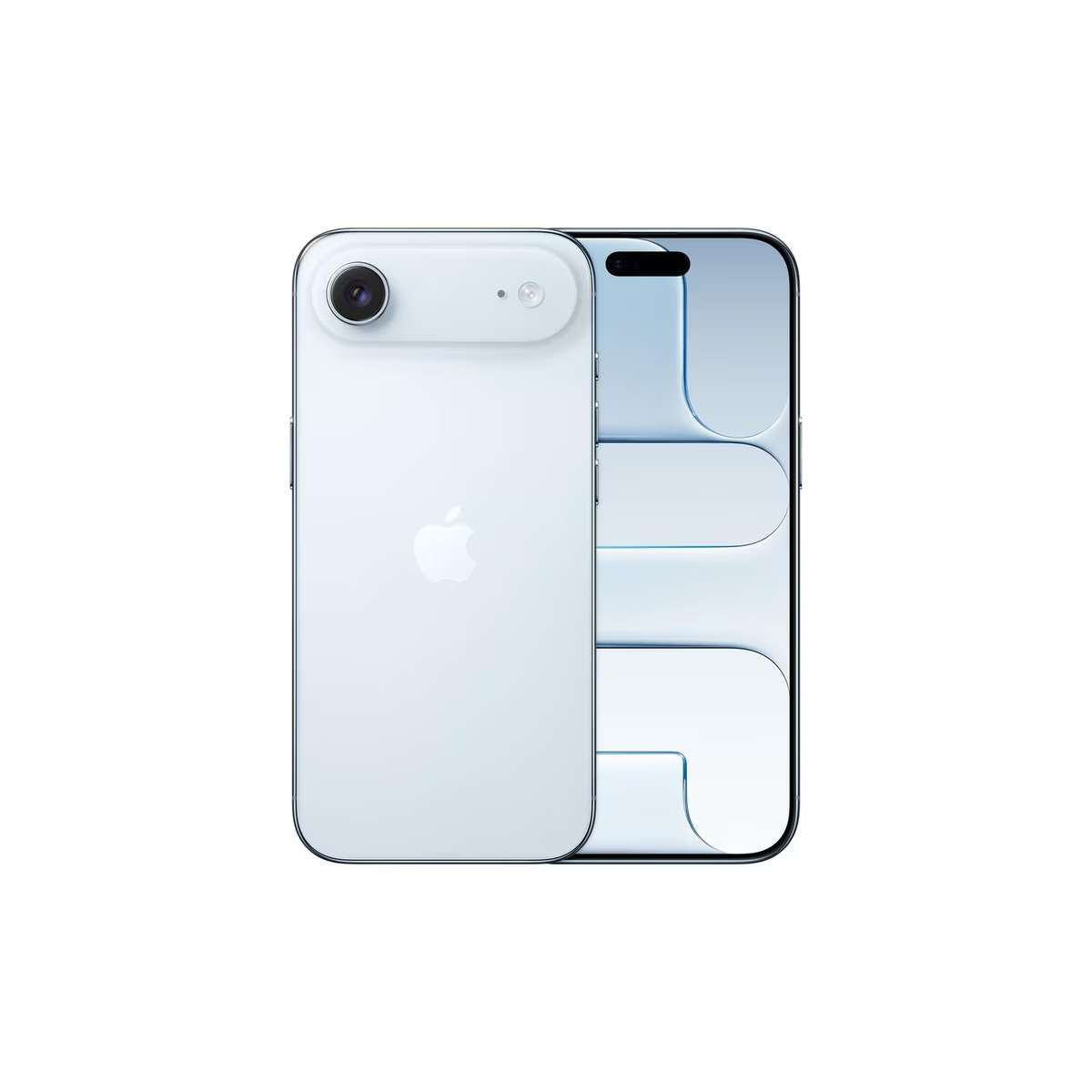
2) iPhone Air
A lightweight daily driver for users who want a clean iPhone experience without jumping to the Pro tier. This is a sweet spot model when you want to maximize value.
| Region | Starting price (official) |
|---|---|
| United States | From ₱59,038 (USD 999) |
| Hong Kong | From ₱65,046 (HKD 8,599) |
| Philippines | From ₱72,990 |
Overseas buying tip: If your chosen color/storage sells out locally, you can still secure stock from US/HK and ship it home—without waiting for PH restocks.
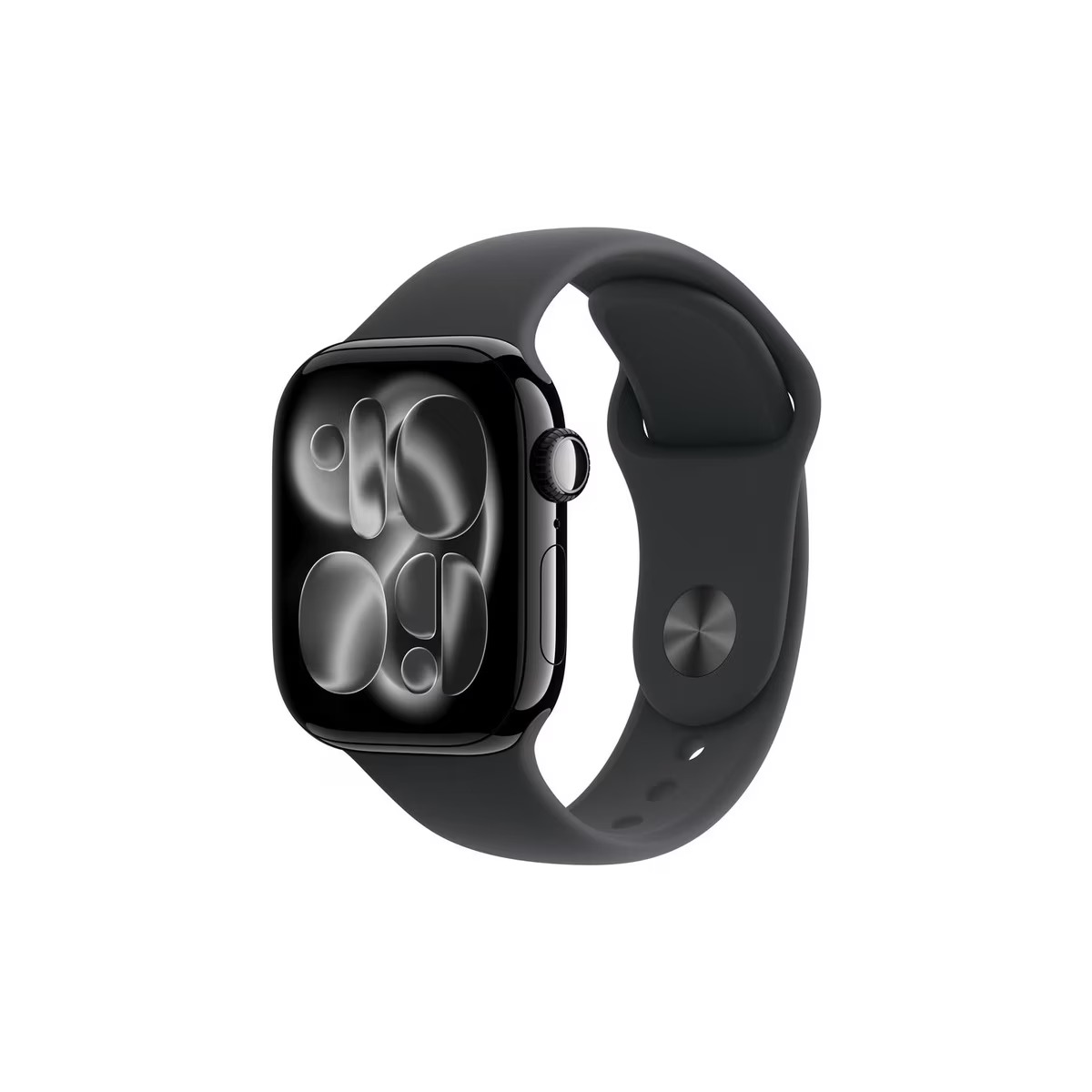
3) Apple Watch Series 11
For fitness, health tracking, and daily convenience, Apple Watch is one of the most impactful Apple upgrades. If you’re already using iPhone, the watch experience becomes even more seamless.
| Region | Starting price (official) |
|---|---|
| United States | From ₱23,580(USD 399) |
| Hong Kong | From ₱24,198 (HKD 3,199) |
| Philippines | From ₱26,490 |
Note: If you’re choosing a GPS + Cellular model, check local carrier support in the Philippines to ensure the cellular function works as expected.
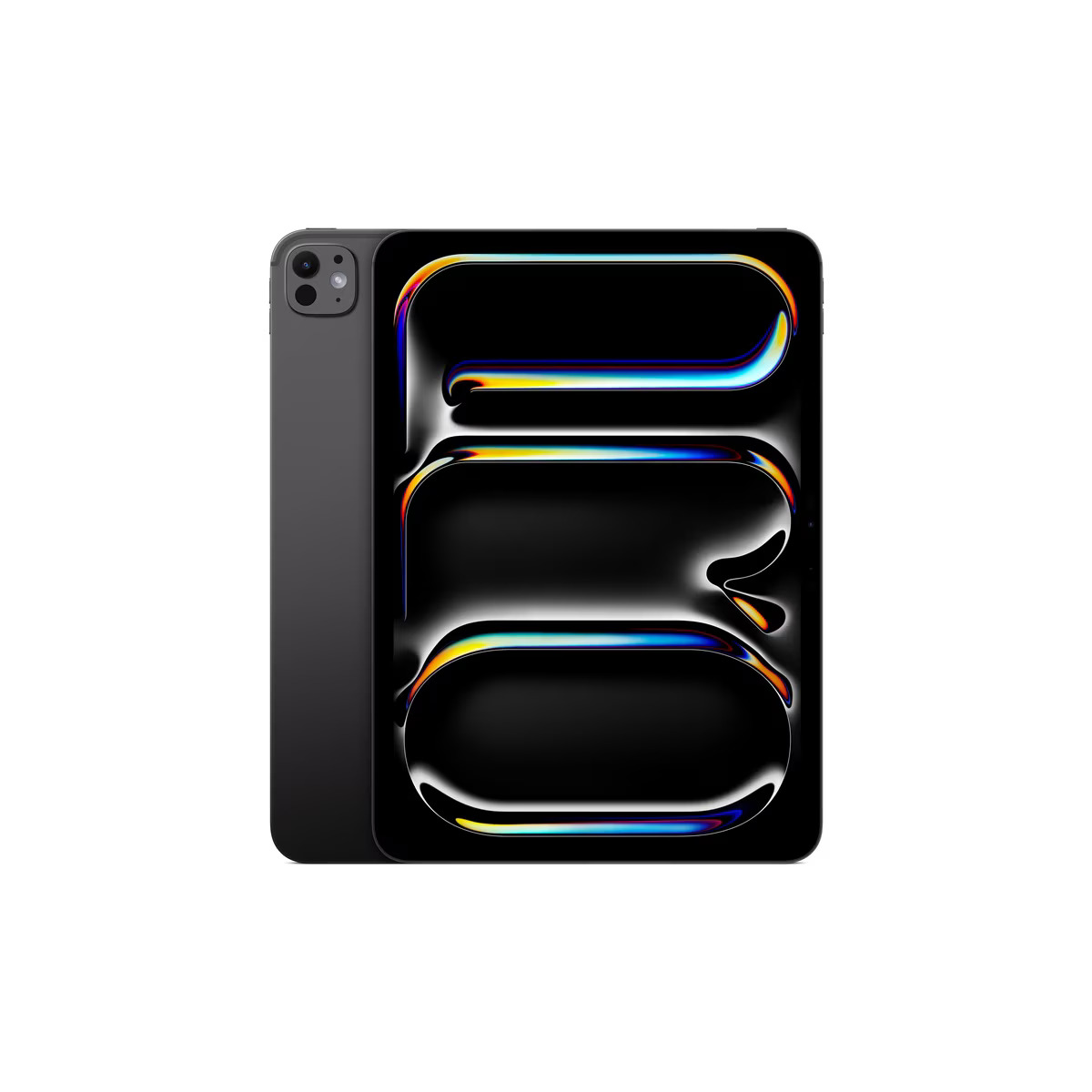
4) iPad Pro
Perfect for creators and power users—especially if you use Final Cut, drawing apps, or multitask heavily. If you’re buying a keyboard + Pencil too, overseas pricing can make the full setup feel more attainable.
| Region | Starting price (official) |
|---|---|
| United States | From ₱59,038 (USD 999) |
| Hong Kong | From ₱60,508 (HKD 7,999) |
| Philippines | From ₱72,990 |
Buying strategy: If you want 1TB/2TB and nano-texture display options, checking overseas stock first can save you time (and sometimes money).
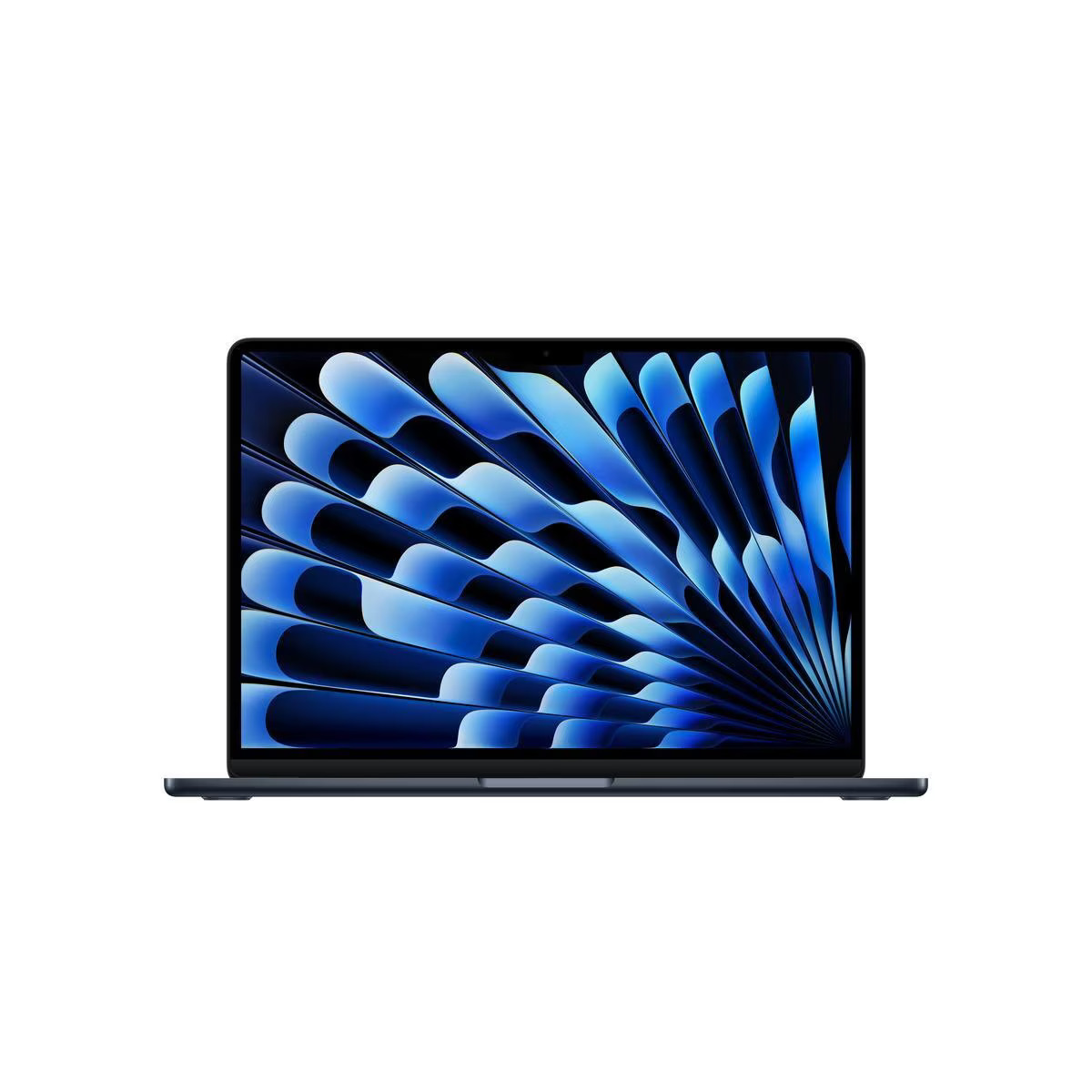
5) MacBook Air 13“
A go-to laptop for students, remote workers, and creators who want power without bulk. If you plan to keep your Mac for years, starting from a better regional price can make a big difference.
| Region | Starting price (reference) |
|---|---|
| United States | From ₱59,038 (USD 999) |
| Hong Kong | From ₱60,508 (HKD 7,999) |
| Philippines | From ₱64,990 |
Overseas buying tip: If you’re deciding between 13″ and 15″, overseas stock flexibility can help you choose based on your ideal screen size—without waiting for local availability.
III. Overseas Apple Shopping FAQs (Warranty, Compatibility, Tips)
1) Is it safe to buy Apple products overseas?
Yes—especially if you’re buying from official Apple stores. For most Apple products, warranty service can be handled internationally, which helps reduce risk. Just keep your invoice and record your serial number after purchase.
2) What about SIM/cellular models?
For iPhone and Apple Watch cellular models, it’s important to confirm network compatibility and local carrier support in the Philippines. Even if the product is genuine, regional model differences can affect certain cellular features.
3) When should I use Buy&Ship Proxy Shopping?
Use Proxy Shopping when the overseas store doesn’t accept Philippine cards, blocks your billing address, or simply doesn’t ship to the Philippines. You submit the link + exact specs, then Buy&Ship purchases for you and ships your item home.
4) How do I reduce total cost when buying overseas?
- Decide your exact configuration first (storage, size, cellular vs Wi-Fi).
- Compare US vs HK for that exact config (some tiers differ more than others).
- Plan accessories smartly (Pencil/keyboard/case) so you avoid multiple separate shipments.
IV. How to Buy Overseas & Ship to the Philippines with Buy&Ship
If you’re ready to buy an Apple product overseas, here’s the simplest path—especially if you don’t want to deal with overseas checkout issues:
✅ Buy&Ship Proxy Shopping (Recommended for most shoppers)
Best for: If the website blocks Philippine payments, doesn’t ship to PH, or you want Buy&Ship to handle purchasing for you.
Step 1: Prepare your product details
- Copy the product link (US or HK Apple Store link)
- Choose exact specs: storage, color, size, cellular/Wi-Fi, band size (for Apple Watch)
- Decide quantity and notes
Step 2: Submit your Proxy Shopping order
Go to the Buy&Ship Proxy Shopping page, paste your link and configuration, and submit your request. Once you confirm the quote and pay, Buy&Ship will purchase the item based on your instructions.
Step 3: Ship to the Philippines (Home delivery)
Once your item is received and processed, you’ll pay the shipping fee and arrange delivery to your Philippine address. You can track updates via the Buy&Ship website/app.
If you already know which Apple model you want—start with the product blocks above, click “Check HK Price & Config” (or the HK/US page), then submit a Proxy Shopping order with your exact storage/color. This is the fastest way to lock in overseas pricing without payment errors, region blocks, or complicated shipping steps.
Notes: Prices and availability may change without notice. For iPhone/Apple Watch cellular models, confirm carrier compatibility. Product images in this draft are placeholders—replace them with your final creatives or official Apple product visuals in your WordPress Media Library.