
Best Buy is one of the most trusted US retailers for tech—especially for Apple, premium headphones, laptops, and action cameras. For Filipino shoppers, the biggest advantage is simple: US pricing + frequent Best Buy promos can be significantly better than local retail, but most items don’t ship directly to the Philippines.
That’s where Buy&Ship Philippines comes in. You can use Buy&Ship Proxy Shopping (we purchase for you) to buy from Best Buy and ship to the Philippines—or use Package Consolidation (you buy yourself, ship to a US warehouse first, then consolidate and deliver).
Goal for this post: show you 5 Best Buy picks with real discounts, then walk you through the easiest way to place your order via Buy&Ship—so you can go from “great deal” to “order confirmed” without stress.
Table of Contents
→ I. Why Filipinos Shop Best Buy (And How to Ship)
→ II. 5 Best Buy Deals Worth Buying Now
→ III. Best Buy Philippines FAQs (Payment, Warranty, Shipping)
→ IV. Step-by-Step: Buy from Best Buy & Ship to the Philippines with Buy&Ship
I. Why Filipinos Shop Best Buy (And How to Ship)
Best Buy is great for official products, big markdowns, and clear “Save $X” promos—especially on Apple accessories, audio gear, and laptops. The usual problem is checkout/shipping: some listings have region restrictions, some sellers only ship within the US, and international shipping can be expensive or unavailable.
With Buy&Ship, you can still buy Best Buy items and deliver to the Philippines through either:
- Proxy Shopping: Buy&Ship purchases the item for you, then ships it to PH (best if your card gets rejected or the site won’t accept PH billing).
- Package Consolidation: you buy on Best Buy yourself, ship to a Buy&Ship US warehouse, then consolidate multiple parcels and deliver to PH (best if you can checkout smoothly).
If you want the fastest path to “done,” Proxy Shopping is the easiest option: just copy the product link, submit your request, and Buy&Ship handles the purchase side for you.
II. 5 Best Buy Deals Worth Buying Now
Below are 5 handpicked Best Buy items that often show a noticeable gap vs. local retail—plus several are currently marked with clear Best Buy savings. If you’re buying more than one item, it’s smart to plan your cart and ship together (or consolidate) to manage your delivery more efficiently.
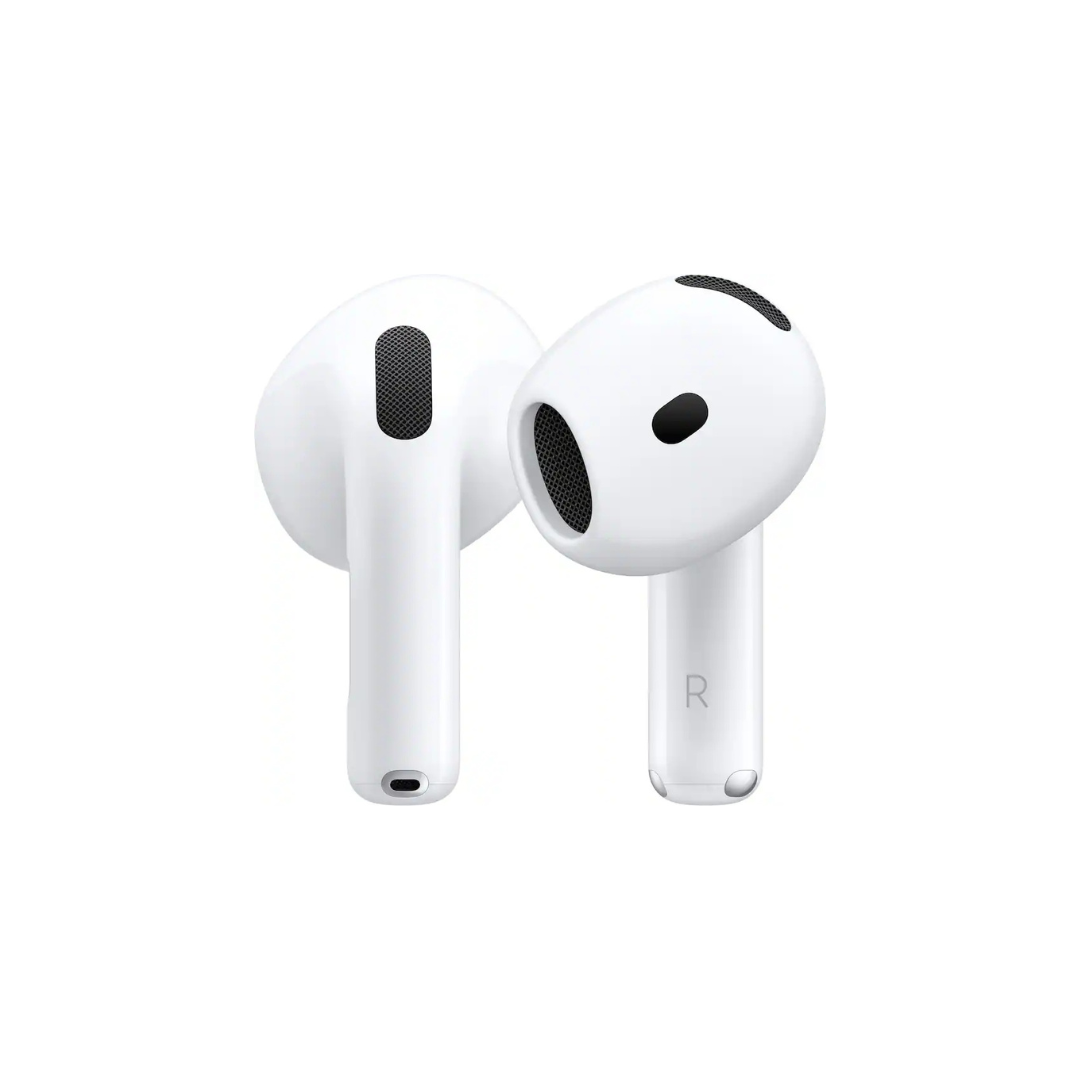
Apple – AirPods 4 with Active Noise Cancellation (White)
A high-demand everyday upgrade: compact ANC earbuds for commuting, office calls, and travel. Great pick if you want an Apple accessory that’s often priced higher locally.
Best Buy price: approx ₱7,839 (USD 139.99) — Save $40 (Comp. Value: $179.99).
(Currency conversion is indicative. Final price is shown on Best Buy.)
Want this deal without worrying about US-only shipping or billing? Copy the link below and submit it via Buy&Ship Proxy Shopping—so the purchase step is handled for you.
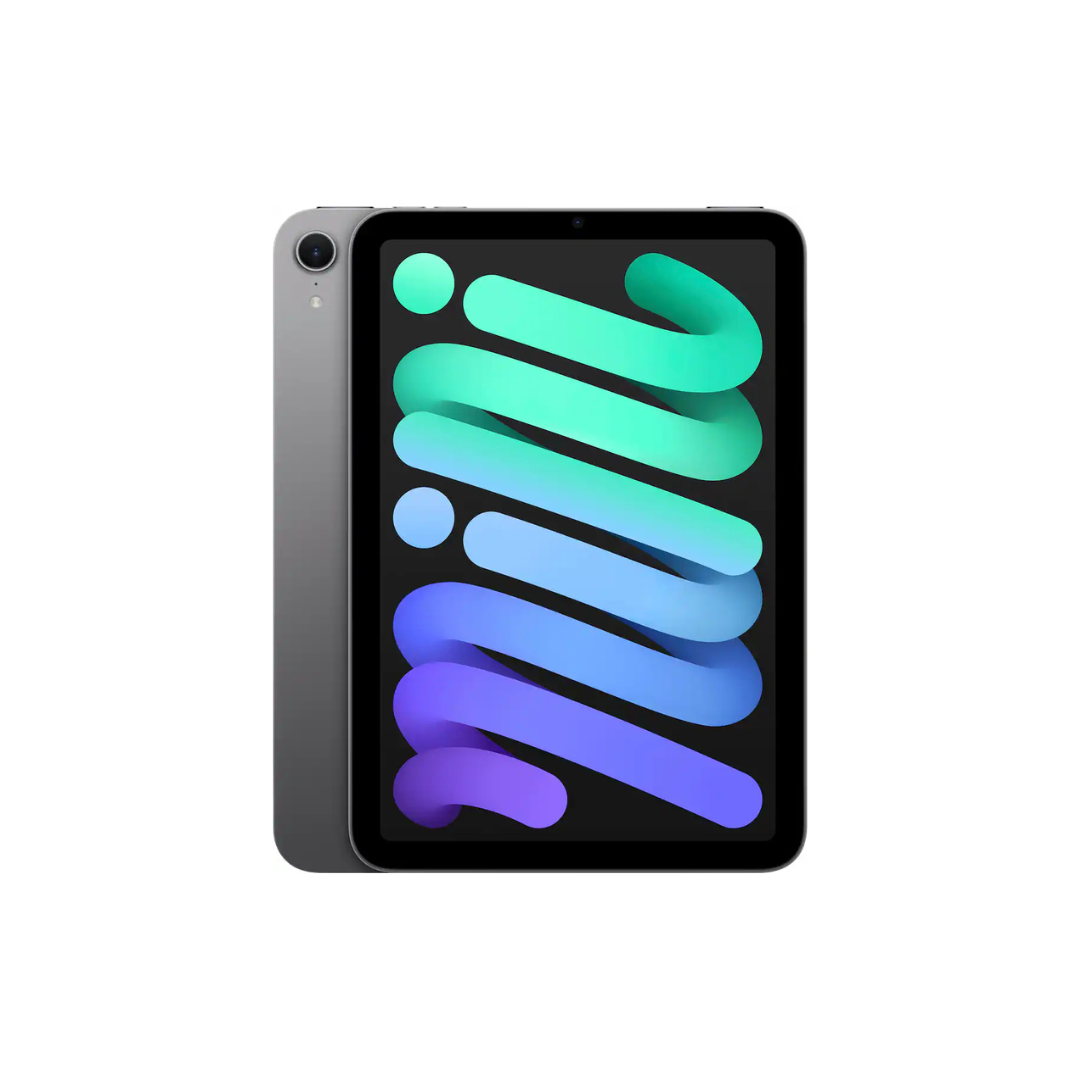
Apple – iPad mini (A17 Pro chip) – Wi-Fi 128GB (Space Gray)
A compact powerhouse for reading, work notes, editing on the go, and travel—especially if you want a tablet that’s easier to carry than full-size models.
Best Buy price: approx ₱22,344 (USD 399.00).
(Currency conversion is indicative. Final price is shown on Best Buy.)
If you’ve seen iPad minis priced higher locally, this is the kind of item many PH shoppers prefer to buy from the US. If checkout is tricky, use Buy&Ship Proxy Shopping—just submit the product link and your preferred specs.
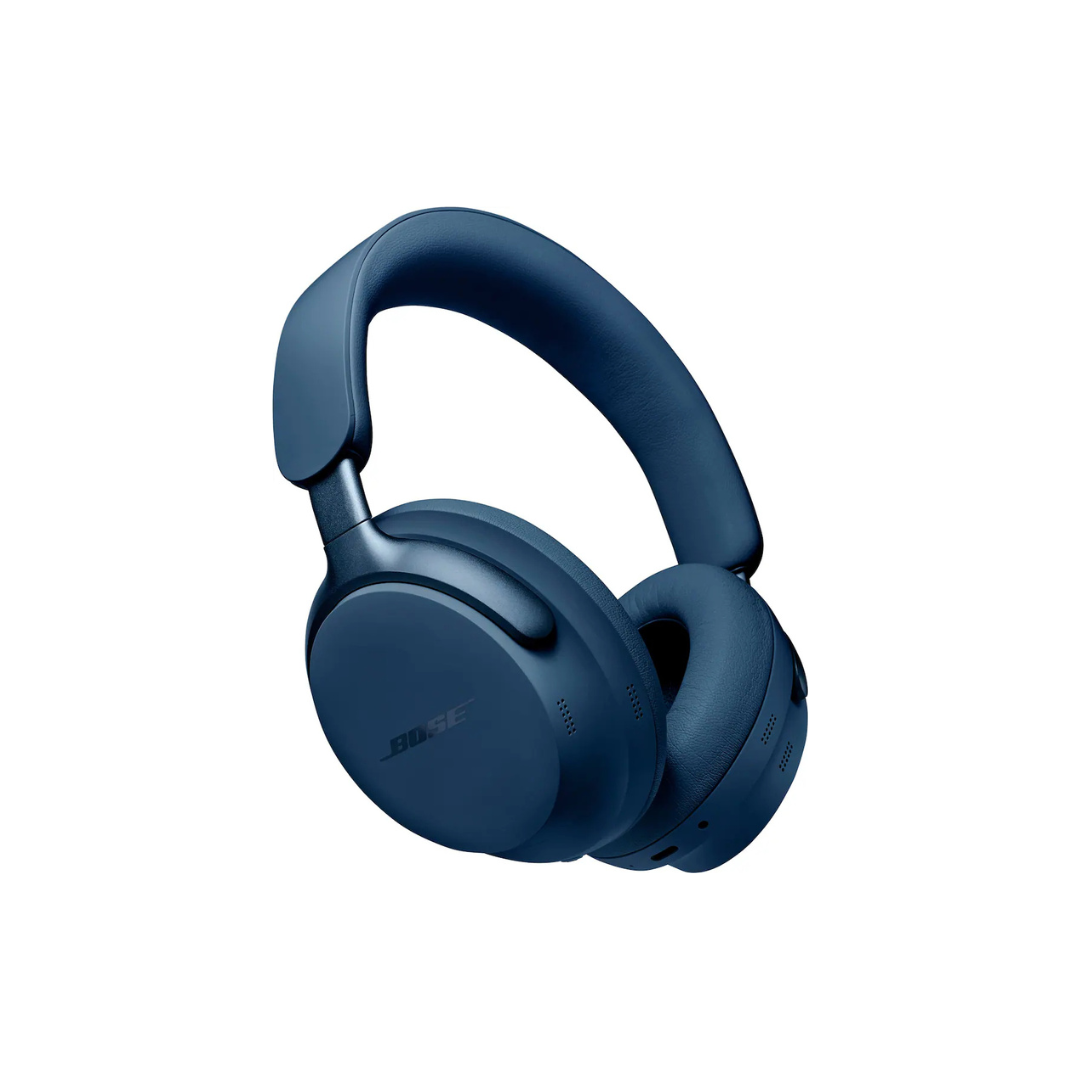
Bose – QuietComfort Ultra Wireless Noise Cancelling Headphones (Lunar Blue)
A premium pick for long flights, noisy commutes, and focused work. When Best Buy discounts Bose, the gap vs. local pricing can be especially noticeable.
Best Buy price: approx ₱16,744 (USD 299.00) — Save $130 (Comp. Value: $429.00).
(Currency conversion is indicative. Final price is shown on Best Buy.)
If you want to lock in the $130 savings, don’t wait for local restocks. Open the Best Buy page, copy the link, and submit a Buy&Ship Proxy Shopping order so we can help purchase and ship it to the Philippines.
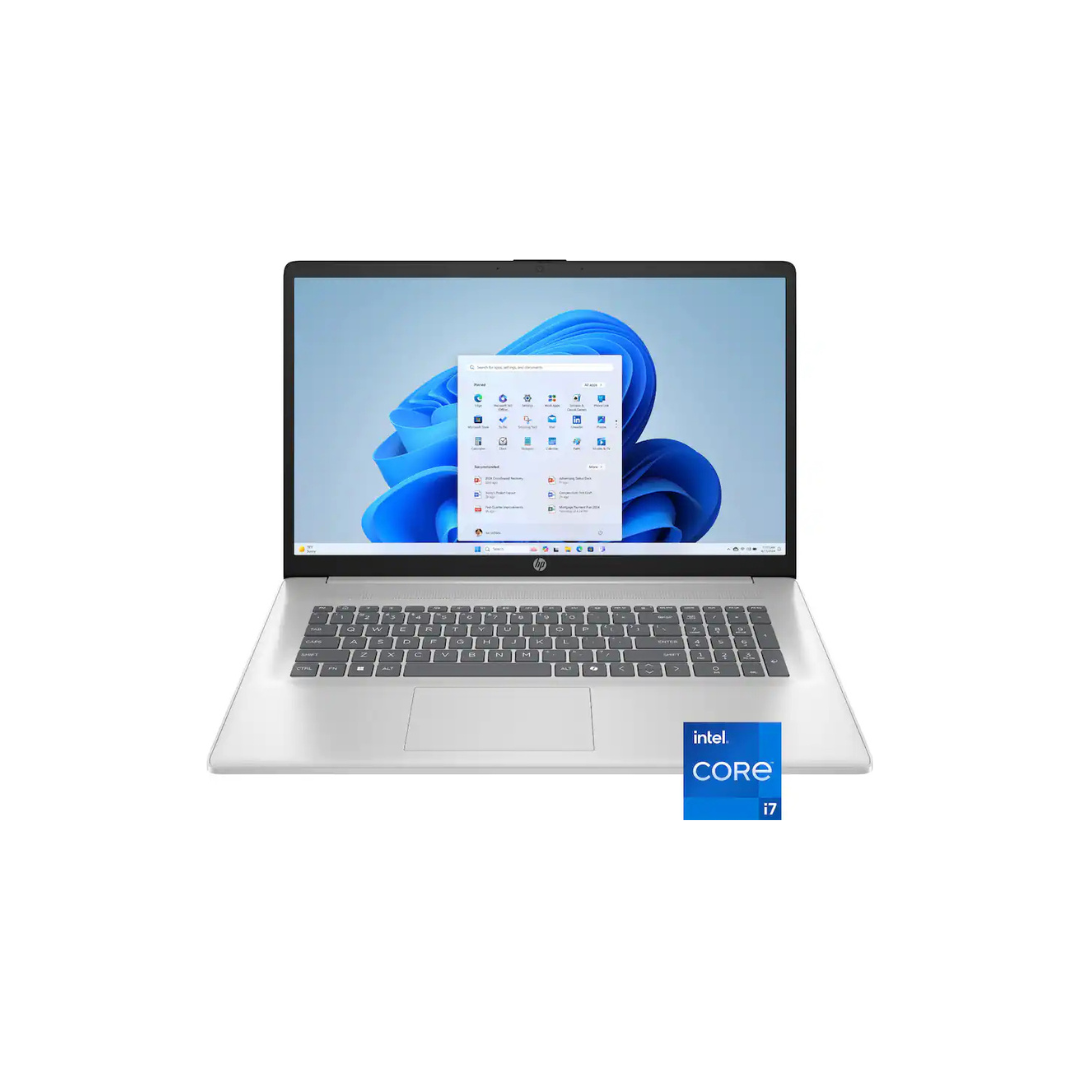
HP – 17.3″ Full HD Laptop (i7-1355U / 16GB / 1TB SSD)
A big-screen productivity laptop for study, work, and daily multitasking—ideal if you want a spacious display and strong storage without going ultra-premium pricing.
Best Buy price: approx ₱30,799 (USD 549.99) — Save $350 (Comp. Value: $899.99).
(Currency conversion is indicative. Final price is shown on Best Buy.)
This is exactly the kind of deep markdown that makes US buying worth it. If you want this deal delivered to PH, open the product page and submit it via Buy&Ship Proxy Shopping—we’ll help purchase, receive it in the US, and ship it onward.
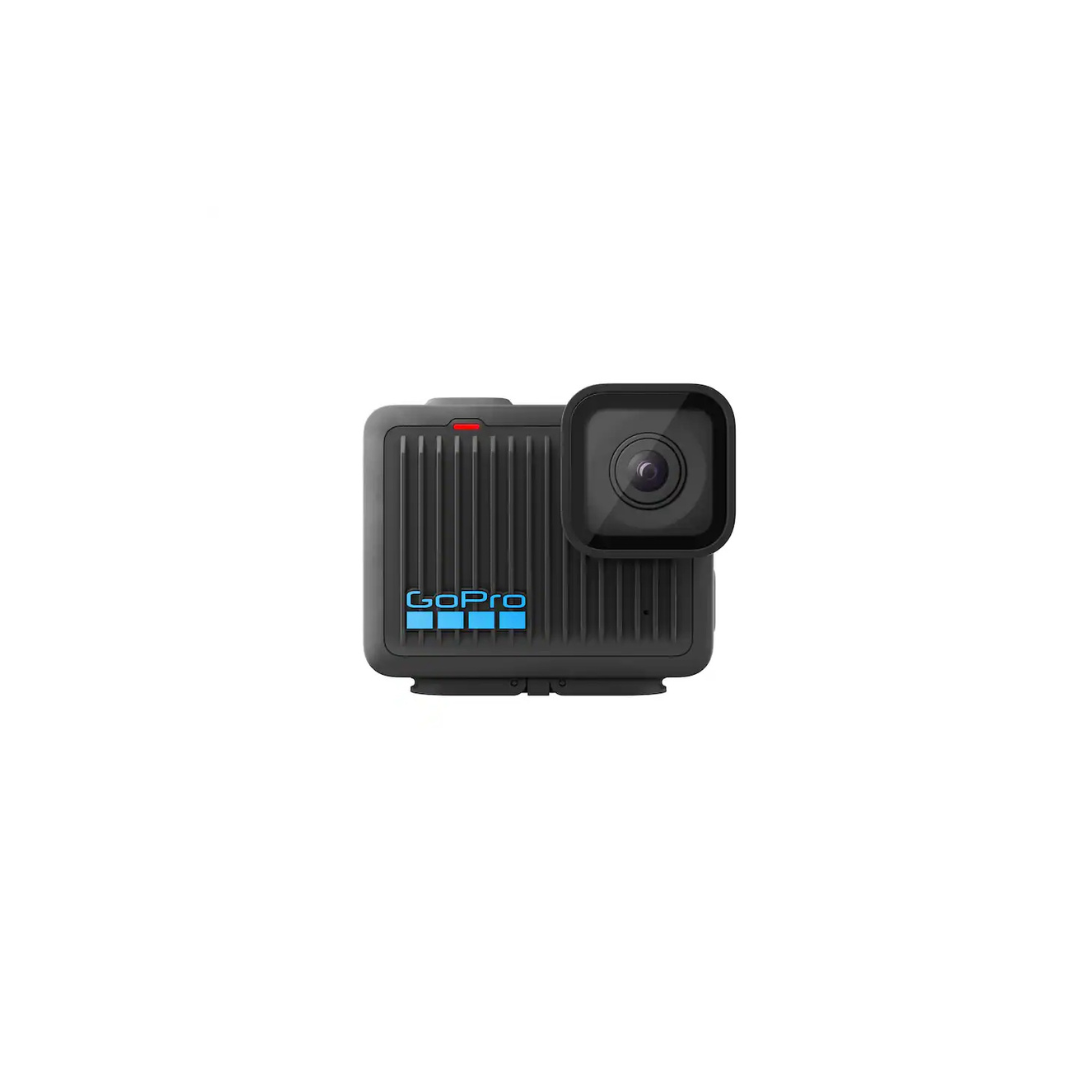
GoPro – HERO Action Camera (Black)
A must-have for travel creators, beach trips, and adventure days. Great for anyone who wants an action cam with clean, reliable 4K capture in a compact setup.
Best Buy price: approx ₱11,199 (USD 199.99) — Save $20 (Comp. Value: $219.99).
(Currency conversion is indicative. Final price is shown on Best Buy.)
If you’re planning a trip or upgrading your content setup, this is an easy “US buy” item. Click through, copy the link, and place a Buy&Ship Proxy Shopping request so you can secure the deal and ship it to the Philippines.
Note: Prices, savings amounts, stock availability, and promo labels may change without notice. Final details are subject to Best Buy. Currency conversion is indicative. Product images are copyrighted by the respective brand/website.
III. Best Buy Philippines FAQs (Payment, Warranty, Shipping)
1) Can I buy from Best Buy in the Philippines with a PH card?
Sometimes yes, sometimes no—US sites may restrict billing addresses, cards, or require additional verification. If your payment fails (or the site blocks your checkout), the simplest workaround is Buy&Ship Proxy Shopping, where Buy&Ship purchases on your behalf.
2) Does Best Buy ship internationally to the Philippines?
Many Best Buy items are US-shipping-only. Even when shipping is available, international delivery can be expensive or limited by category. A more reliable approach is to ship to a Buy&Ship US warehouse first (via consolidation) or use Proxy Shopping for a smoother end-to-end process.
3) What about warranties for US electronics?
Warranty terms depend on the brand and model. Some products have international coverage; others may be US-only. Before buying, check the product page warranty notes and brand warranty policy. If you’re buying high-value electronics, it’s smart to keep screenshots of the listing and your order confirmation for reference.
4) How do I reduce shipping cost when buying multiple items?
Plan your cart and ship items together. If you’re shopping multiple deals (e.g., AirPods + GoPro), using Package Consolidation can help you manage deliveries more efficiently than sending separate parcels one by one.
5) What should I do right now if I’m ready to buy?
If you want the easiest path: open your chosen Best Buy product, copy the link, and submit a Buy&Ship Proxy Shopping order. This avoids payment issues and US-only shipping limits—so you can focus on the deal, not the checkout hurdles.
IV. Step-by-Step: Buy from Best Buy & Ship to the Philippines with Buy&Ship
Filipino shoppers typically hit three pain points on US sites: (1) the store won’t ship to PH, (2) payment/billing restrictions, or (3) complicated delivery setup. Below are two Buy&Ship options—pick the one that matches how you want to shop.
✅ Buy&Ship Proxy Shopping (Recommended for Best Buy)
(Best for: shoppers who want Buy&Ship to handle the purchase, especially if Best Buy doesn’t accept PH cards/billing or US-only shipping applies.)
Step 1: Pick your Best Buy item and copy the product link
Choose the exact model/color/specs you want (e.g., storage size for iPad, color for Bose). Copy the Best Buy product link.
Step 2: Submit a Proxy Shopping request on Buy&Ship
- Go to Buy&Ship Philippines and start a proxy request.
- Paste the product link and fill in details: color/specs/quantity + any notes.
- You’ll see the estimated item amount and service fee before you confirm.
Step 3: Confirm the quote and pay
After payment, Buy&Ship purchases the item based on your request—so you don’t need to deal with US billing restrictions or seller limitations.
Step 4: US receiving → ship to the Philippines
Once the parcel reaches the overseas warehouse and is processed, you’ll be notified. Then you can proceed with delivery to the Philippines (home delivery), and track updates via the Buy&Ship website/app.
✅ Buy&Ship Package Consolidation (If You Can Checkout Yourself)
(Best for: shoppers who can successfully pay on Best Buy and want to ship multiple parcels together.)
Step 1: Checkout on Best Buy using your Buy&Ship US warehouse address
Log in to your Buy&Ship account and copy your US warehouse address. Use it as the shipping address when placing your Best Buy order.
Step 2: Pre-alert your parcel in Buy&Ship
When Best Buy provides your tracking number, submit a pre-alert (courier + tracking + category). This helps the warehouse process your parcel more smoothly.
Step 3: Consolidate (optional) → pay shipping → receive in PH
Once parcels arrive, you can choose to ship one-by-one or consolidate multiple parcels before delivery to the Philippines. After shipping payment, track delivery updates via Buy&Ship.
If your goal is to secure today’s Best Buy deal with the least friction, go with Buy&Ship Proxy Shopping. Open the product you want (from the 5 picks above), copy the link, and submit your proxy order now—so you can move from “sale price” to “order placed” in one smooth flow.